16:9 Aspect Ratio Explained: Sizes, Pixels & Best Use Cases (2026 Guide)
Are you confused about 16:9 aspect ratio? This simple guide explains what it means, the exact sizes to use, and where it works best. Includes ready-to-use templates and a platform cheat sheet so you can create perfectly sized visuals every time.


You have probably seen “16:9” mentioned while uploading a video, creating a presentation, or designing an ad. It sounds technical, but it’s actually very simple.
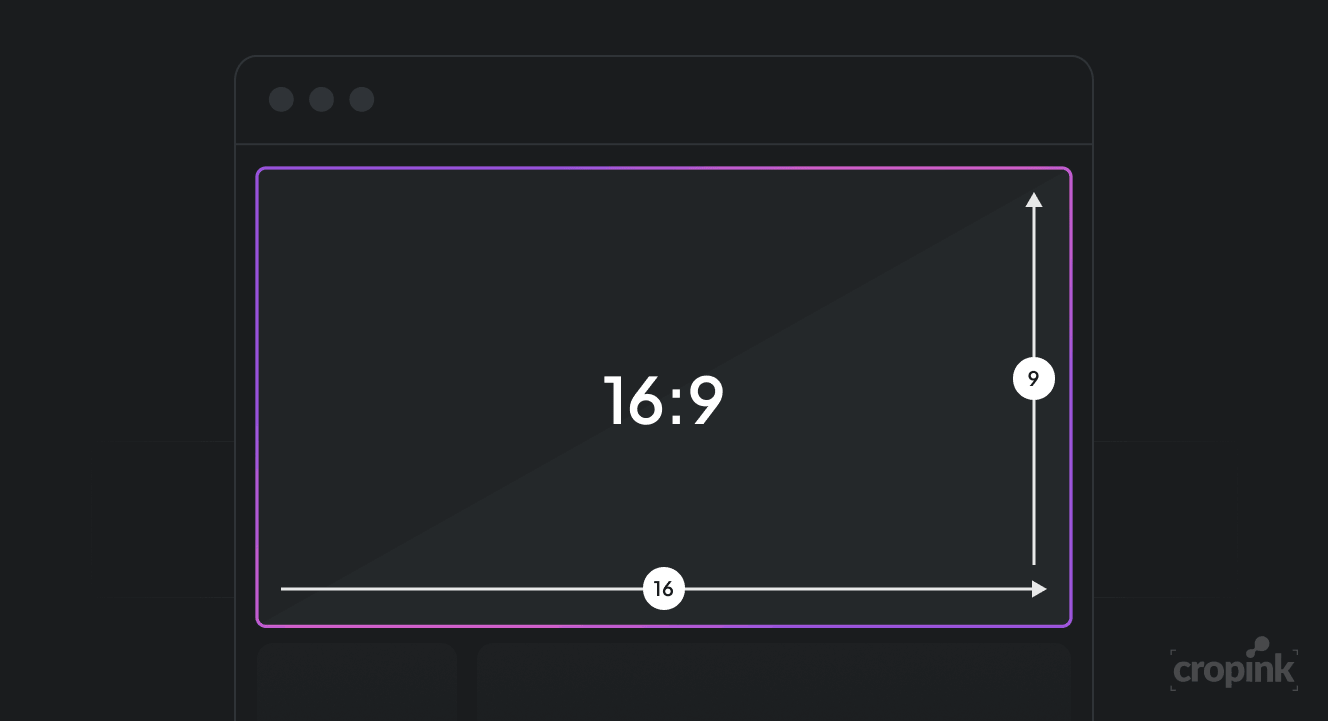
16:9 is just a shape. It tells you how wide something is compared to how tall it is. And because most modern screens follow this shape, it has become the standard for videos, ads, and digital content.
In this guide, you’ll understand what 16:9 really means, which sizes to use, and where it works best, explained in a way that actually makes sense.
Key takeaways
- 16:9 means your content is wider than it is tall. It is the most common format for videos and screens.
- 1920 × 1080 is the safest size to use. It works across most platforms.
- 16:9 is best for desktop, YouTube, presentations, and website visuals.
- Mobile platforms prefer vertical formats like 9:16 or 4:5. Always match the platform.
- Higher resolutions like 4K are useful for quality, not always necessary for ads.
- Aspect ratio affects how your content looks, but also how it performs.
- Do not use one format everywhere. Adapt your creatives for each placement.
- Simple, clean visuals in the right ratio perform better than complex designs.
What does 16:9 aspect ratio actually mean?
Think of a rectangle. If its width is 16 units and its height is 9 units, that’s a 16:9 ratio.
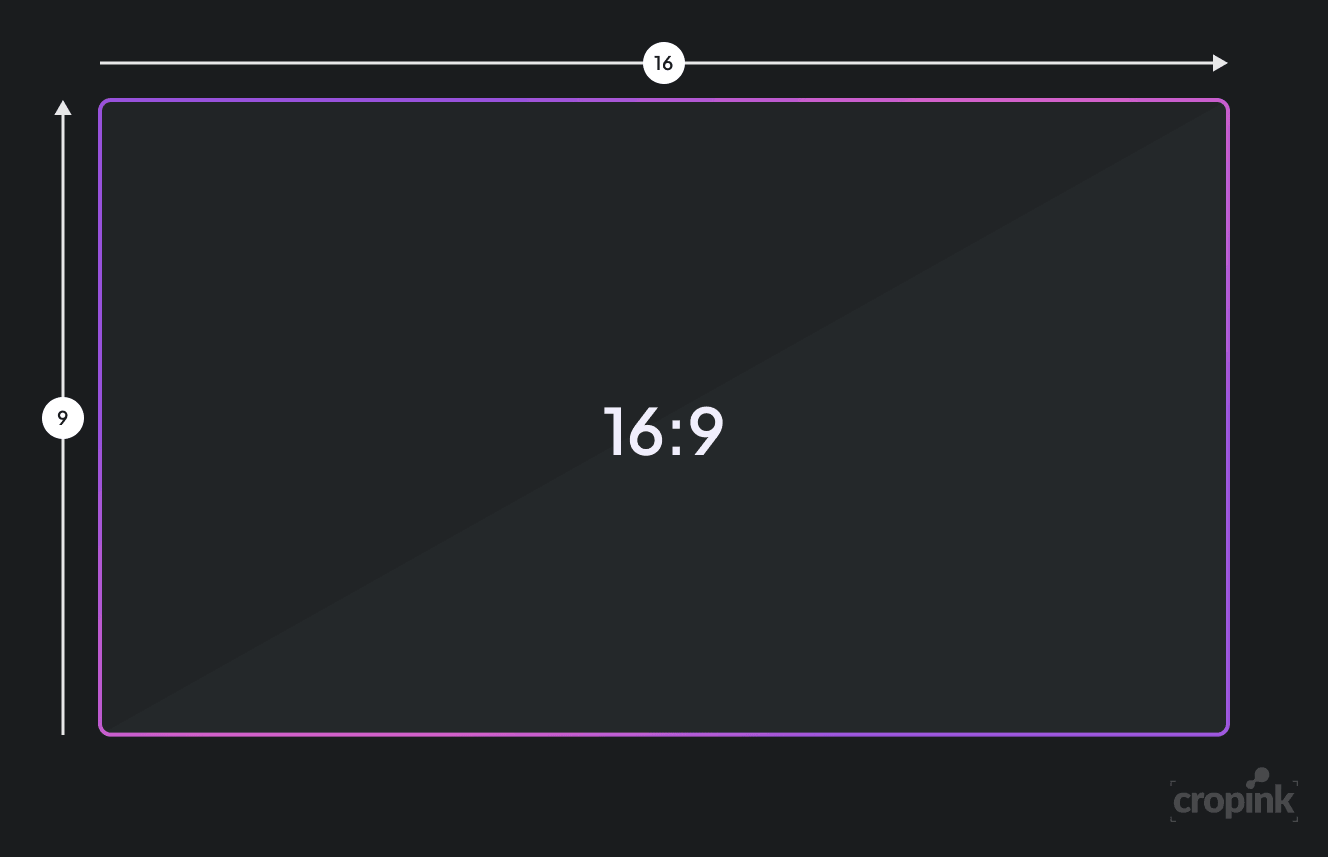
Now here’s the important part. These numbers do not fix the size. They only define the proportion. So whether your video is 1920 × 1080 or 3840 × 2160, both follow the same 16:9 shape.
This is why your content can scale up or down without looking stretched or distorted. The ratio keeps everything balanced.
Why 16:9 became the standard
Earlier screens used a more square shape called 4:3. But as videos, movies, and digital content evolved, people wanted a wider viewing experience.
16:9 solved that problem.
It gives more horizontal space, which feels natural when watching videos, showing products, or telling stories. It also fits perfectly on modern devices like laptops, TVs, and even phones when used in landscape mode.
Because of this, platforms like YouTube and streaming services like Netflix adopted 16:9 as their default format. Over time, it simply became the standard everyone follows.
Common 16:9 resolutions (pixel sizes)
Now let’s talk about actual sizes.
Even though 16:9 is just a ratio, you still need to choose pixel dimensions when creating content. Here are the most common ones:
| Resolutions | Total pixels | Designation | Where it’s used |
|---|---|---|---|
| 640 ✕ 360 | 307,200 | nHD | Low-quality videos, basic streaming, small mobile screens |
| 854 ✕ 480 | 409,920 | FWVGA | Standard-definition videos, older YouTube content, budget devices |
| 960 ✕ 540 | 518,400 | qHD | Entry-level smartphones, lightweight video content |
| 1280 ✕ 720 | 921,600 | SD / HD Ready (720p) | YouTube videos, presentations, basic video ads |
| 1366 ✕ 768 | 1,049,088 | WXGA | Laptop screens, web browsing, presentations |
| 1600 ✕ 900 | 1,440,000 | HD+ | Website banners, mid-quality videos, desktop graphics |
| 1920 ✕ 1080 | 2,073,600 | FHD / Full HD (1080p) | YouTube, ads, streaming, presentations, most common standard |
| 2560 ✕ 1440 | 3,686,400 | WQHD | Gaming, high-quality videos, premium displays |
| 3200 ✕ 1800 | 5,760,000 | QHD+ | High-end laptops, design work, detailed visuals |
| 3840 ✕ 2160 | 8,294,400 | 4K UHD | Professional video, OTT platforms, high-end ads |
| 5120 ✕ 2880 | 14,745,600 | 5K | Advanced editing, design studios, Apple displays |
| 7680 ✕ 4320 | 33,177,600 | 8K UHD | Experimental video, cinema production, future-ready content |
| 15360 ✕ 8640 | 132,710,400 | 16K UHD | Research, ultra-high-end production, not common yet |
For most use cases, 1920 × 1080 is the best choice. It gives you good quality without making files too heavy.
If you go lower, your content may look blurry. If you go higher, it looks sharper but also takes more storage and processing power.
How to calculate 16:9 dimensions
Sometimes you won’t have both width and height. You may only know one value and need to calculate the other.
The good news is, it’s very simple.
If you know the width, divide it by 16 and then multiply by 9. That gives you the height. If you know the height, do the opposite.
For example, if your width is 1600 pixels, dividing by 16 gives 100. Multiply that by 9, and you get 900. So the size becomes 1600 × 900.
You don’t need to do this often, but it helps when resizing images or creating custom designs.
Where you should use 16:9
This is where things get practical. You don’t just need to understand 16:9, you need to know where to use it.
Videos
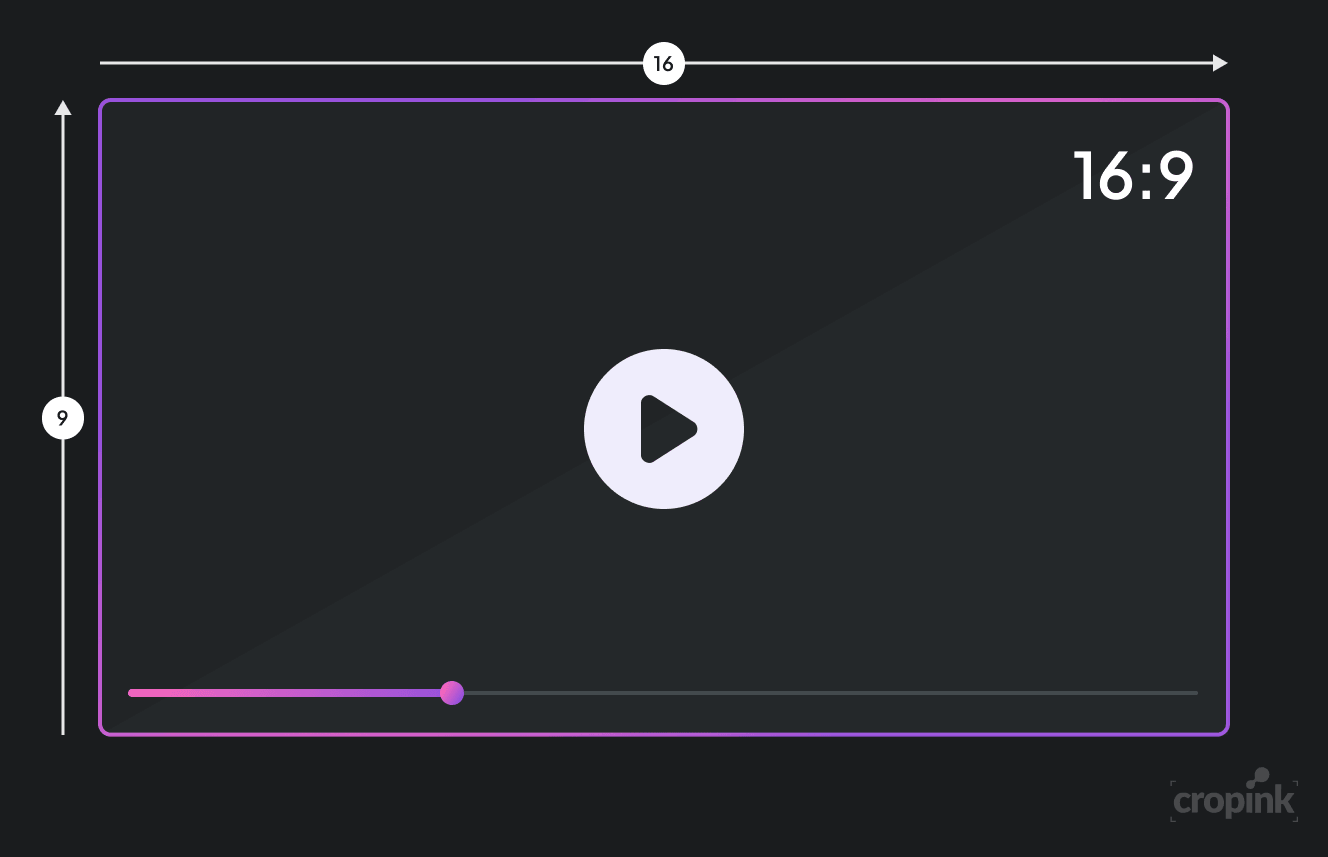
If you are creating videos for platforms like YouTube, 16:9 is the default. It ensures your video fills the screen properly without black bars or awkward cropping.
It also gives you enough space to add visuals, text, and movement without making things feel cramped.
Presentations
Most tools like PowerPoint and Google Slides use 16:9 by default now. This means your slides automatically fit modern screens.
If you have ever presented slides that looked stretched or had empty space, it was likely because the aspect ratio was wrong. Using 16:9 fixes that instantly.
Website visuals
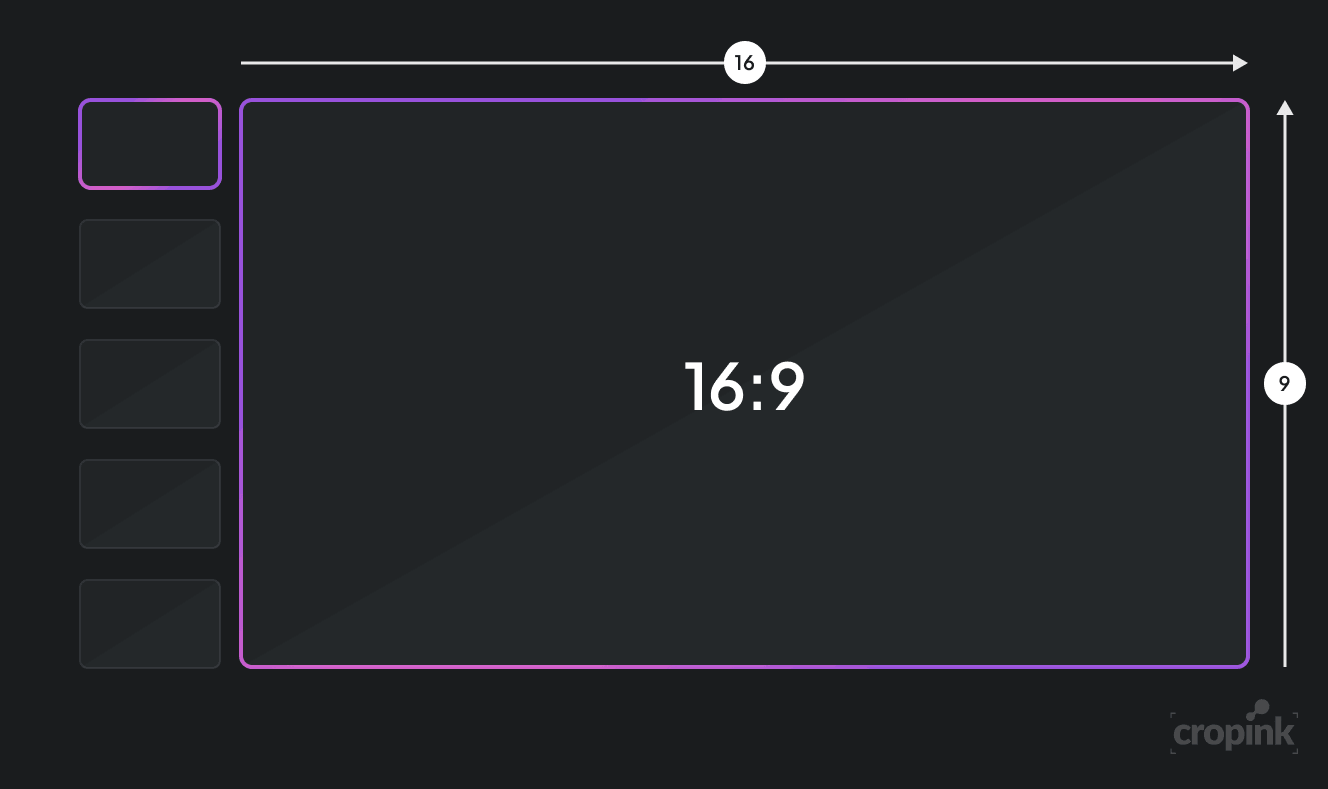
On websites, especially in hero sections and banners, 16:9 works very well. It looks clean, balanced, and professional.
It also adapts nicely across devices, which is important when people visit your site from different screen sizes.
Ads
For video ads, especially on desktop, 16:9 is still widely used. It gives you room to show the product, add messaging, and guide the viewer’s attention.
However, you should always think about where your audience is. If most of them are on mobile, vertical formats might perform better.
This is where most advertisers struggle. They design one creative and try to force it everywhere. That usually hurts performance.
Instead, you should adapt your creatives for each placement. Tools like Cropink help you do this faster by automatically adjusting product visuals, layouts, and formats for different ad sizes without rebuilding everything manually.
Common mistakes to avoid
A lot of people understand 16:9, but still make small mistakes that affect quality.
One common issue is using low resolution. Even if your ratio is correct, poor pixel quality makes your content look unprofessional.
Another mistake is ignoring how content looks on mobile. Even with a 16:9 layout, text can become too small if not designed carefully.
Some people also stretch images to fit 16:9. This distorts visuals and makes them look unnatural. Always resize properly instead of stretching.
Pro tips for better results
If you want your content to look clean and professional, a few small changes can make a big difference.
Keep your important content in the center. This ensures nothing gets cut off on different screens. Use high-quality images so your visuals stay sharp.
Also, test your content before publishing. Open it on both desktop and mobile to see how it looks. What looks perfect on one screen may feel off on another.
And finally, keep things simple. A clean layout works much better than a cluttered one.
When NOT to use 16:9
Even though 16:9 is very popular, it is not always the best choice.
If your content is made for mobile-first platforms like reels or short videos, vertical formats like 9:16 perform much better. They fill the screen completely and feel more natural on phones.
So before choosing 16:9, always ask yourself:
Where will people see this content?
Ready-to-use 16:9 size templates
You don’t always want to calculate sizes. So here are plug-and-play templates you can use directly.
Standard sizes (the most useful ones)
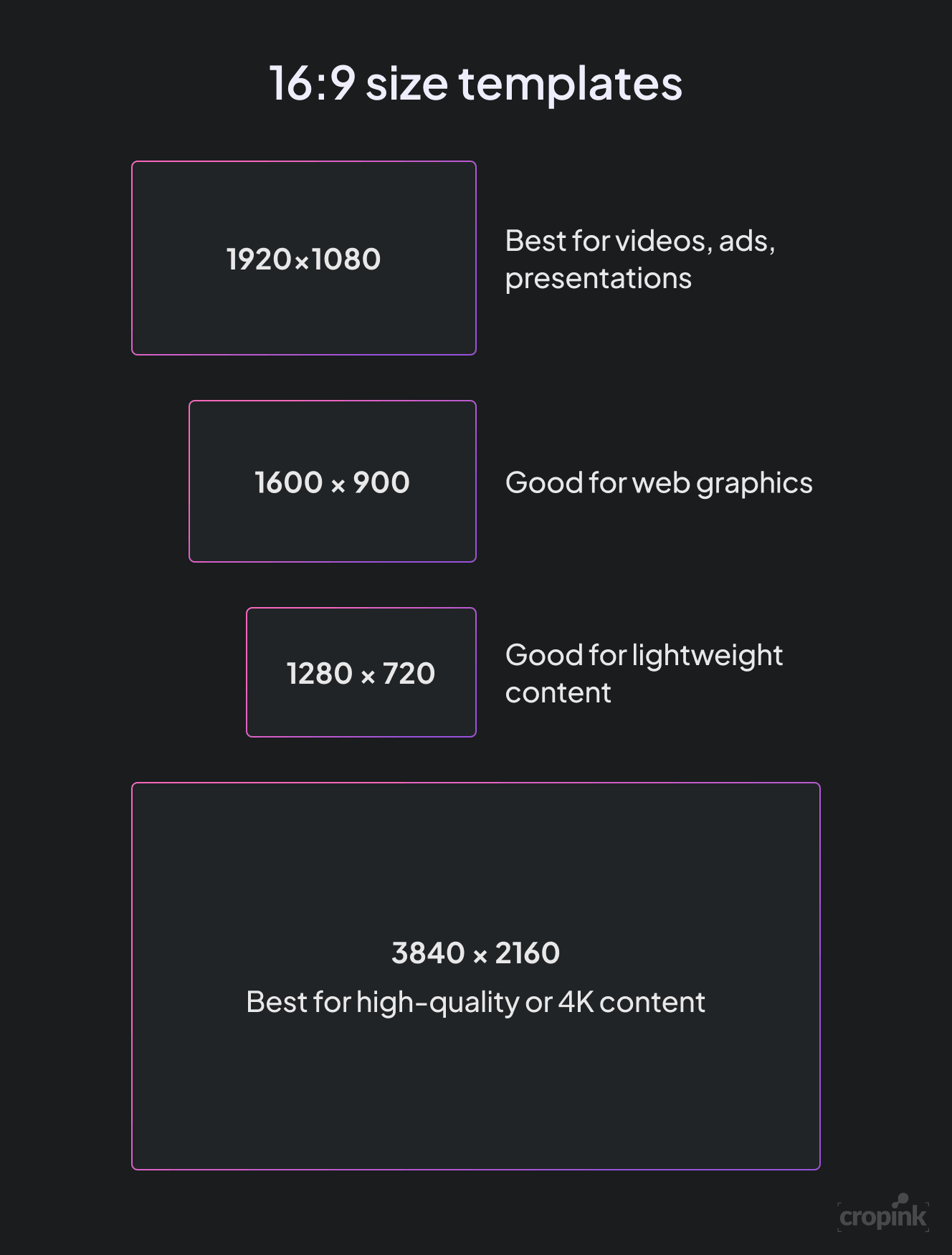
- 1920 × 1080 → Best for videos, ads, presentations
- 1280 × 720 → Good for lightweight content
- 1600 × 900 → Good for web graphics
- 3840 × 2160 → Best for high-quality or 4K content
| Use case | Recommended size |
|---|---|
| YouTube video | 1920 × 1080 |
| Presentation slides | 1920 × 1080 |
| Website banner | 1600 × 900 |
| Video ads | 1920 × 1080 |
| High-end video | 3840 × 2160 |
Simple rule to follow
If you are ever unsure, just use:
1920 × 1080
It works almost everywhere and keeps things simple.
Platform-wise aspect ratio cheat sheet
Not every platform prefers 16:9. This is where most people get confused.
Here’s a clear cheat sheet you can follow:
| Platform | Best Ratio | Why |
|---|---|---|
| YouTube | 16:9 | Default video format |
| Facebook (video ads) | 16:9 or 4:5 | Works on desktop and mobile |
| Instagram feed | 1:1 or 4:5 | Takes more screen space |
| Instagram Reels | 9:16 | Full-screen mobile |
| TikTok | 9:16 | Vertical-first platform |
| LinkedIn video | 16:9 | Professional + desktop heavy |
| Websites | 16:9 | Clean and responsive |
| Presentations | 16:9 | Fits modern screens |
How to think about it
- Desktop content → use 16:9
- Mobile content → use 9:16 or 4:5
This one line will solve most of your confusion.
Expert tip
Do not treat aspect ratio as a rule. Treat it as a tool.
Start with 16:9 when:
- You want compatibility
- You want clean layouts
- You are unsure what to use
Then adjust based on the platform.
That’s how professionals do it.
Final thoughts
16:9 is one of the most important basics in digital content. Once you understand it, a lot of things become easier.
Your videos will fit better. Your designs will look more balanced. And your content will feel more professional across platforms.
Start with the standard size, keep your layout simple, and always think about your audience. That’s all you need to use 16:9 effectively.
FAQs
The most common one is 1920 × 1080 pixels (Full HD). It gives you sharp quality and works well across platforms. For higher quality, you can use 2560 × 1440 or 3840 × 2160 (4K).
It works well for YouTube and some ad placements. But for platforms like Instagram and TikTok, vertical formats often perform better because they fill more of the mobile screen.
Yes, but you need to adjust it carefully. Cropping or resizing without planning can cut off important parts. It is better to design your content with multiple formats in mind from the start.
Your content may look stretched, cropped, or have black bars. This reduces visual quality and can affect how people engage with your content.
Yes. It is still the standard for video content, ads on desktop, and presentations. Even though vertical formats are growing, 16:9 remains essential.
Manisha is a Data-Driven Marketing Expert who turns numbers into narratives and ad clicks into conversions. With a passion for performance marketing and a sharp eye for analytics, she helps brands cut through the noise and maximize their impact in the digital space.
Leszek is the Digital Growth Manager at Feedink & Cropink, specializing in organic growth for eCommerce and SaaS companies. His background includes roles at Poland's largest accommodation portal and FT1000 companies, with his work featured in Forbes, Inc., Business Insider, Fast Company, Entrepreneur, BBC, and TechRepublic.
Related Articles


How Can Cropink Help?
Start with Cropink is easy and free
No credit card required