Shoppable Video Ads: Complete Guide for Ecommerce and Retail Marketers
We're breaking down the platforms, content formats, and technical setup required to launch high-converting shoppable video campaigns for your ecommerce brand.


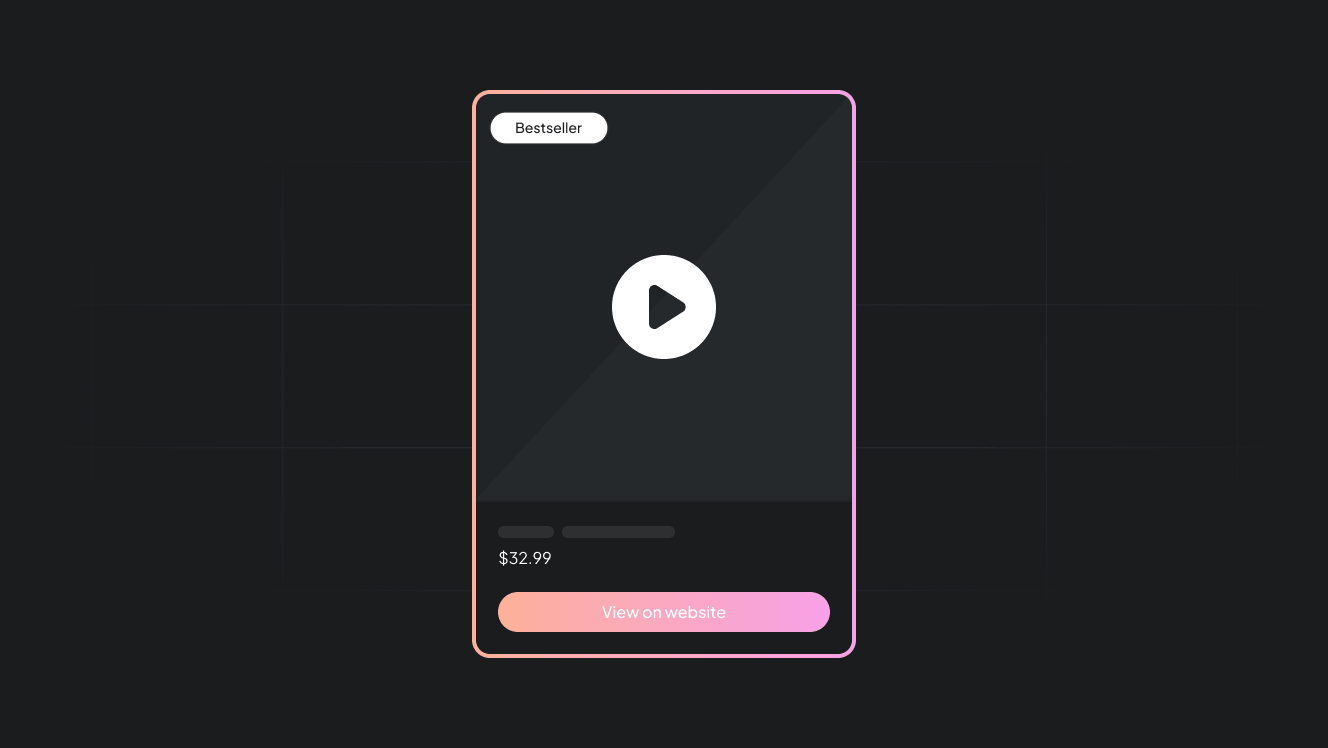
Studies have already established that video formats are among the most engaging ad formats. Now imagine if you added a layer of interactive elements. You’ll have the most conversion-focused ad format available today.
That's exactly what shoppable video ads help you accomplish.
Today, we're explaining what shoppable video ads are, how they work, and how you can start using them for your brand.
If you are a retailer or ecommerce business experimenting with social commerce, this guide will come in handy.
Key takeaways
- Shoppable video ads allow viewers to click product tags, view details, and purchase directly within the video experience.
- A highly optimized product feed with custom labels for video style, audience, color variants, and promotions is essential for matching the right products to the right video context.
- User-generated content outperforms polished brand videos and can drive 28% higher engagement and 4x higher click-through rates.
- Videos must be shot in vertical 9:16 format with products visible in the center third of the frame.
What are shoppable video ads?
Shoppable video ads are interactive video ads that allow shoppers to engage with product details and add items to their cart directly inside the video experience.
The videos are tagged with clickable hotspots or overlays.
Viewers can click these tags to learn more about each item. They can see information related to price, features, and availability. In most cases, the shopper can access the checkout page or product page without exiting the video.
How shoppable video ads work
The buyer journey happens in three steps:
- Discovery: A viewer watches a shoppable video
- Interaction: Product tags or links become visible as the video plays
- Action: The viewer clicks a tag to see product details or add items to their cart
What are the best use cases of shoppable video ads?
- Ecommerce brands launching new products
- DTC brands promoting their items
- Seasonal promotions and limited product drops
- Retargeting warm audiences who already viewed products
Should you consider running shoppable video ads?
Based on the statistics we've come across, the answer is yes.
According to data reported by Firework:
- People spend over 100 minutes daily watching online videos
- 68% of consumers prefer video over text for learning about products
- Interactive elements in videos increase user activity by 591%
- 41% of viewers who watch shoppable videos complete a purchase
Adding this ad format to your paid campaigns will result in more engagement and, if done right, more conversions.
Which platforms can you run shoppable video ads on?
Instagram Shopping: Tag products in Reel and video Stories ads. Viewers tap tags to view product details and access checkout.
TikTok Shopping: Add product links directly to videos through TikTok Shop and the For You page video ads. Shoppers browse and purchase while watching content.
Pinterest: Tag products in video pins. Users click tags to see pricing and product information, then purchase through linked stores.
Instacart: Tag grocery and retail items in videos. Shoppers can easily add tagged products to their Instacart cart for same-day delivery.
Best content formats for shoppable video ads
Below are some of the most popular interactive video ad formats we’ve seen perform best.
1. Before and after videos
This format is best for showing transformation results that demonstrate product effectiveness.
For example, if you’re a skincare brand, you can film a 30-day acne treatment regimen and tag the serum and moisturizer used throughout.
Viewers see transformational results and can purchase the exact products that delivered them.
2. Product demos
For this format, you want to walk your audience through how your product works in real time.
If you sell a kitchen gadget, show in great detail, while still keeping it concise, how your product works. For instance, if you’re selling a vegetable chopper, for example, show users the convenience they get from the different attachments and cutting sizes.
3. Unboxing videos
This format captures the excitement of opening and discovering your product. If you run a subscription box service, film the entire unboxing experience and tag each item as it appears on-screen.
4. Comparison videos
In this case, you want to help your shoppers choose between product options or understand how you differ from competitors.
If you sell luggage, compare your hardshell suitcase against your softshell version and highlight the benefits of each. Tag both options so viewers can purchase the one that matches their travel needs.
5. Product reviews
This format works best when you’re using user videos. They come off as more authentic than you tooting your own horn.
6. Tips for using your products
For this format, you’re going to educate your audience on creative or unexpected ways to use what you sell. You can actually use user content here, too, to increase the variety of how people use your product.
How to create shoppable video ads
The foundation of any successful shoppable video ad campaign is a highly optimized and enriched product feed.
As such, keep these two things in mind before you start creating your ads.
1. Set up creative and contextual attributes
Custom labels help ad platforms match the right product to the right video context. These attributes tell the ad platform you’re using which products you’d like to feature in a shoppable video ad.
Make sure you have these custom labels in your product feed:
| Custom attribute | Purpose | Example value |
|---|---|---|
| custom_label_0 (Video style) | Segment products based on the type of video they are best suited for. | UGC_Review, Demo_Tutorial, Lifestyle_Short |
| custom_label_1 (Audience) | Target specific demographics. | GenZ_Fashion, Millennial_Home, Fitness_Enthusiast |
| custom_label_2 (Color/Variant) | Ensure the tagged product variant matches the one shown in the video. | Sky_Blue, Matte_Black, Limited_Edition_Red |
| custom_label_3 (Urgency/Promotion) | Highlight time-sensitive offers for dynamic text overlays. | Flash_Sale, New_Arrival, Last_Chance |
2. Image optimization for video overlays
Next, make sure you've optimized the product images you’ll be tagging in your video.
Typically, shoppable tags display product images in small square overlays. These thumbnails need specific formatting to look professional and showcase your product clearly in the confined space.
Follow these specs to ensure the images display correctly.
- Aspect ratio: Ensure the primary image is square (1:1) or can be cropped to 1:1 without losing the product.
- Background: Use a clean, but not boring background for the main product image.
- Multiple angles: If you’re using a catalog ad tool like Cropink, you can create an image with a product grid of multiple product angles.
Now that we have that out of the way, here’s a beginner-friendly method for creating shoppable video ads.
Process for implementing shoppable video ads
This process is platform-agnostic.
You can modify it to run interactive shoppable video ads across Instagram, TikTok, and YouTube.
1. Product feed enrichment
At this stage, you should make sure your product data can support interactive video placements.
What to audit first
Review the basics in your e-commerce backend or feed management tool.
Check that the following fields are complete and accurate across all products you plan to promote:
- Product titles that are clear and descriptive
- Prices, availability, and variants that match what is shown in the video
- Product images that can be cropped into a square format
- Landing pages that load quickly and reflect the same product details shown in the video
Don't forget to add the custom labels we covered earlier.
If you were running a before-and-after skincare video, your custom labels might look like this:
- custom_label_0: UGC_Review
- custom_label_1: Millennial_Skincare
- custom_label_2: Rose_Gold_Bottle
- custom_label_3: New_Arrival
When you do all the above, you ensure that when someone clicks a product tag in your video, they see accurate information and the exact variant shown on screen.
2. Platform catalog setup and synchronization
Now that your product feed is enriched and structured for video-first use, the next step is to connect it to each platform where your shoppable video ads will run.
Each platform has its own catalog infrastructure.
Meta uses Commerce Manager for Instagram and Facebook; TikTok uses TikTok Shop Catalog; and YouTube pulls from Google Merchant Center.
The setup process will vary slightly by platform, but the core steps remain pretty much the same.
Most platforms accept scheduled uploads via URL, direct file uploads, or API integration.
After upload, verify the feed ingestion.
Check your catalog dashboard for import errors or warnings.
The most common issues you'll encounter are missing required fields like price or availability, image URLs that don't load properly, incorrect currency formatting, or custom labels that don't map to platform-specific attributes.
Fix any errors immediately. Products with errors won't appear in your shoppable video tags, which defeats the entire purpose of this ad format.
3. Video creative production
The most important thing to remember is that you're creating for mobile.
Shoot everything in vertical format (9:16 aspect ratio), since most people watching your ads will be on their phones, and horizontal videos look awkward and small in mobile feeds.
Next, keep the product front and center throughout the video. The product should be the star, visible and easy to identify. If you're tagging a specific variant (like a particular color or size), make sure that exact variant is what's shown on screen.
Here are the production basics to zero in on when making your video:
- Lighting: Use natural light or soft lighting to avoid harsh shadows on your products.
- Framing: Keep products in the center third of the frame to prevent your product tags from covering the product when they appear on screen.
- Duration: Aim for 15-30 seconds. Shorter videos perform better for attention spans, but you still need enough time to show the product in action.
- Hook: Show or mention the product within the first 3 seconds. You have about two seconds to grab attention before someone scrolls past.
If you're working with user-generated content(UGC), you'll have less control over production quality. That's fine, authenticity often outweighs polished content when you're using UGC.
The only thing to ensure is that the product is recognizable and the video meets minimum technical requirements for resolution, aspect ratio, and file format.
Lastly, plan where your product tags will appear before you start shooting.
If you know you're tagging a skincare serum at the 5-second mark, make sure the product is prominently displayed at that moment in the video.
4. Ad campaign creation and tagging
It's now time to upload your video creative to your ad platform of choice and link it to your synchronized product catalog.
You can use the platform's tagging interface to mark products as they appear in the video.
That said, we recommend limiting tags to 1-2 products per video to avoid visual clutter. Too many tags will overwhelm viewers and hurt the click-through rates.
After tagging, preview your ad on mobile to ensure tags are clickable and product information displays correctly.
You can now set your budget and bidding strategy.
Shoppable video ads typically perform well with conversion-focused bidding since the format is designed to influence purchases.
Shoppable video ad best practices
If you follow the guide up to here, you’re pretty much set to go.
However, following these best practices will help you maximize engagement and ROI from your shoppable video campaigns.
1. Prioritize User-Generated Content (UGC)
User-generated content outperforms polished brand content in shoppable ads. UGC is perceived as 2.4 times more authentic than brand-created content, drives 28% higher engagement rates, and generates 4 times higher click-through rates.
After all, people trust other people more than they trust brands.
When an existing customer demonstrates your product in their own environment, it feels like a recommendation from a friend rather than a sales pitch.
If you don't have actual UGC from customers, create content that mimics that authentic, unpolished style.
Skip the studio lighting and professional voiceovers and shoot on a smartphone in natural settings. The product should speak for itself without heavy branding or overly scripted messaging.
You should also make sure viewers feel like they're watching someone who genuinely uses and loves your product.
2. Show the product in use early
Statistics show that 85% of social media users watch video content without sound, especially on mobile.
Therefore, if there's no caption to clue them in to the video's context, it's an instant skip for most.
Ensure your captions are easy to read and use a high-contrast background. Also, position them where product tags or other overlay elements won't cover them.
While auto-generated captions are a decent starting point, always review and edit them for accuracy.
3. Avoid cluttered screens with too many product tags
Resist the urge to tag every product that appears in your video.
Why?
Too many tags create clutter and can cause decision paralysis for viewers, which hurts click-through rates.
You're better off showing one or two products at a time.
If you're showcasing a complete outfit, tag the hero piece first, then add secondary items only if they're clearly visible and relevant to what's being demonstrated at that moment.
Final thoughts
Shoppable video ads are effective because they don’t pull people away from the content they’re already engaged with. Viewers can explore products, view details, and take action without breaking their attention or leaving the video experience.
That said, this format depends heavily on how your products are presented.
Shoppable tags rely on clean, well-formatted 1:1 images that display in small overlays. If those images are poorly cropped or inconsistent, the experience quickly falls apart.
That's why we recommend working with Cropink to enrich your product images.
Cropink can enrich product images by creating grids that showcase multiple product angles, applying custom backgrounds, and overlaying product attributes or customer ratings directly on the image. These enhancements make product tags more informative and visually compelling for shoppers.
If you get the fundamentals right, shoppable video ads can be your most profitable social commerce ad format.
Check out cropink.com to learn more about enriching your products for shoppable video ads.
FAQs
A shoppable video is an interactive video that allows viewers to click on tagged products to view details, pricing, and availability without leaving the video. Viewers can add items directly to their cart or navigate to product pages while the video continues playing.
Shoppable ads are interactive advertisements that let viewers purchase products directly from the ad itself. They have clickable product tags or links that take shoppers to checkout or product pages.
A shoppable video on TikTok is a video ad with product links added through TikTok Shop. Viewers can browse tagged products and complete purchases directly within the TikTok app while watching content on their For You page.
Shoppable video ads reduce friction in the buyer journey by allowing viewers to shop without leaving the video. Studies actually show that 41% of viewers who watch shoppable videos complete a purchase, and interactive elements increase user activity by 591% compared to standard video ads.
Sources
Damaris is a Digital Marketing Specialist who writes about digital marketing and performance marketing. At Cropink, she creates data-driven content to help businesses run better ad campaigns for better performance and ROI.
Leszek is the Digital Growth Manager at Feedink & Cropink, specializing in organic growth for eCommerce and SaaS companies. His background includes roles at Poland's largest accommodation portal and FT1000 companies, with his work featured in Forbes, Inc., Business Insider, Fast Company, Entrepreneur, BBC, and TechRepublic.
Related Articles


How Can Cropink Help?
Start with Cropink is easy and free
No credit card required