4:3 Aspect Ratio Explained: Sizes, Pixels & Best Use Cases (2026 Guide)
Still seeing 4:3 everywhere and not sure when to use it? This guide breaks down what the 4:3 aspect ratio means, the right sizes to use, and where it works best today.


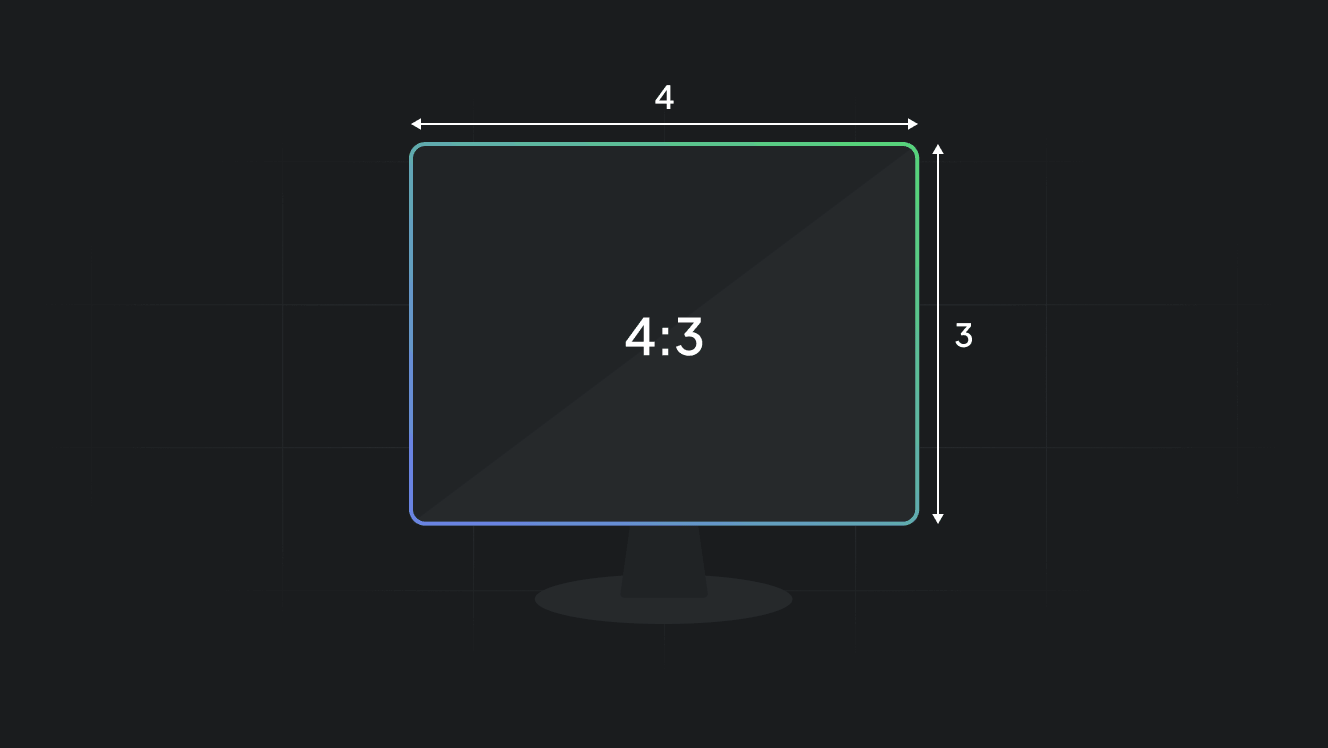
The 4:3 aspect ratio is one of the oldest formats in digital media. You may think it is outdated, but it still shows up in many places. Presentations, tablets, older videos, and even some ad formats still rely on it.
The problem is simple. Most creators design for 16:9 or vertical formats today. When 4:3 appears, it creates confusion. What size should you use? Will it look outdated? Does it still perform well?
This guide answers all of that in simple terms. You will learn what 4:3 means, the exact pixel sizes to use, and where it still makes sense in 2026.
Key takeaways
- 4:3 is a more compact format. It keeps content focused and easy to read.
- It still works well for presentations, tablets, and educational content.
- Common sizes include 1024 × 768 and 1600 × 1200.
- It does not perform well for mobile-first platforms like Instagram or TikTok.
- Choosing the right aspect ratio matters more than just design quality.
- You should always match your format to the platform you use.
What is the 4:3 aspect ratio?
The 4:3 aspect ratio means your visual is 4 units wide and 3 units tall.
That creates a shape that looks more square than modern widescreen formats.
For example:
- 800 × 600
- 1024 × 768
- 1600 × 1200
All of these follow the same 4:3 ratio.
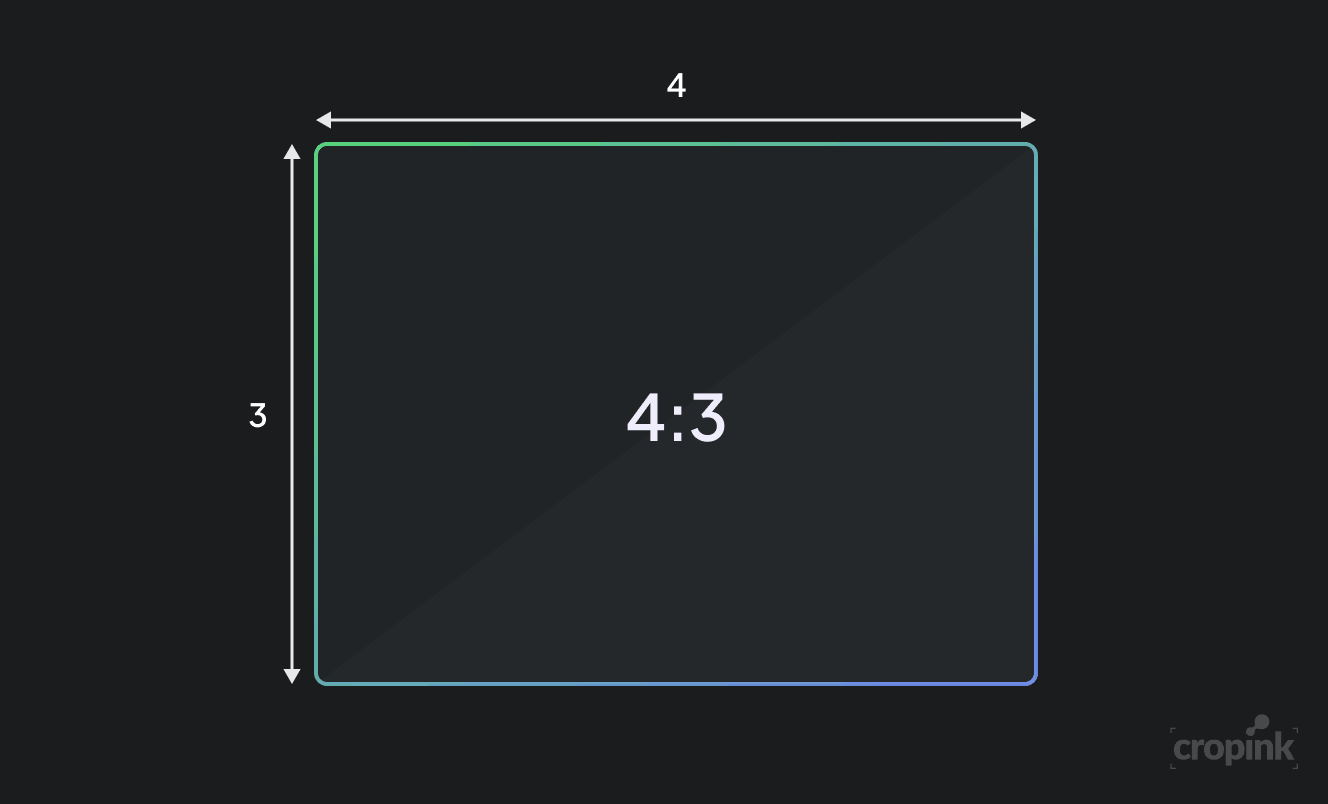
Think of it like this. If 16:9 feels wide and cinematic, 4:3 feels more focused and compact.
Why 4:3 still exists
You might expect 4:3 to disappear. It has not.
There are three main reasons:
- First, presentations still use it. Many slides look better in 4:3 because the content feels centered and easier to read.
- Second, tablets like iPads use a similar shape. This makes 4:3 useful for app design and content previews.
- Third, some ads and legacy content still follow this format. Brands that reuse older assets often stick to 4:3.
So while it is not trendy, it is still practical.
Common 4:3 resolutions (with use cases)
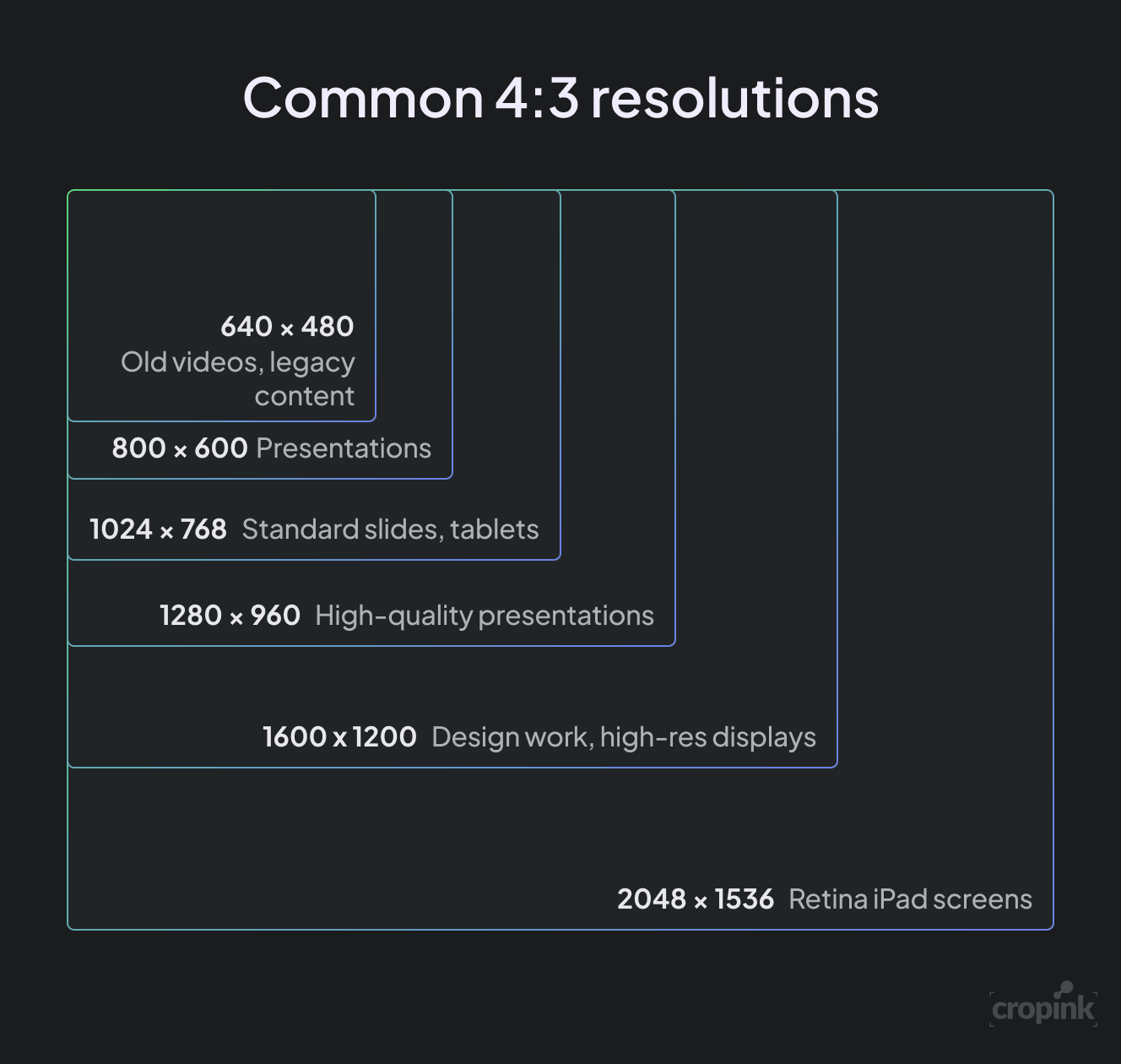
Here are the most common sizes you will see:
| Resolution | Pixels | Common Use |
|---|---|---|
| 640 × 480 | 307,200 | Old videos, legacy content |
| 800 × 600 | 480,000 | Basic presentations |
| 1024 × 768 | 786,432 | Standard slides, tablets |
| 1280 × 960 | 1,228,800 | High-quality presentations |
| 1600 × 1200 | 1,920,000 | Design work, high-res displays |
| 2048 × 1536 | 3,145,728 | Retina iPad screens |
These sizes help you design without distortion.
Where 4:3 works best today
1. Presentations
4:3 is still widely used in slides.
Why? Because:
- Content stays centered
- Text is easier to read
- Layout feels balanced
If your presentation has charts, text, or data, 4:3 often works better than wide formats.
2. Tablets and apps
Many tablets follow a 4:3-like shape.
This means:
- Your design fills the screen properly
- No awkward empty space
- Better reading experience
If your audience uses tablets, 4:3 is a smart choice.
3. Educational content
Online learning platforms still use 4:3.
This format:
- Keeps focus on the subject
- Avoids distractions
- Works well for recorded lectures
4. Certain ad placements
Some display ads and older placements still accept 4:3 visuals.
These ads feel:
- Simple
- Direct
- Easy to scan
However, you should always check placement before designing.
4:3 vs 16:9 vs 1:1 (Quick comparison)
| Aspect Ratio | Shape | Best For |
|---|---|---|
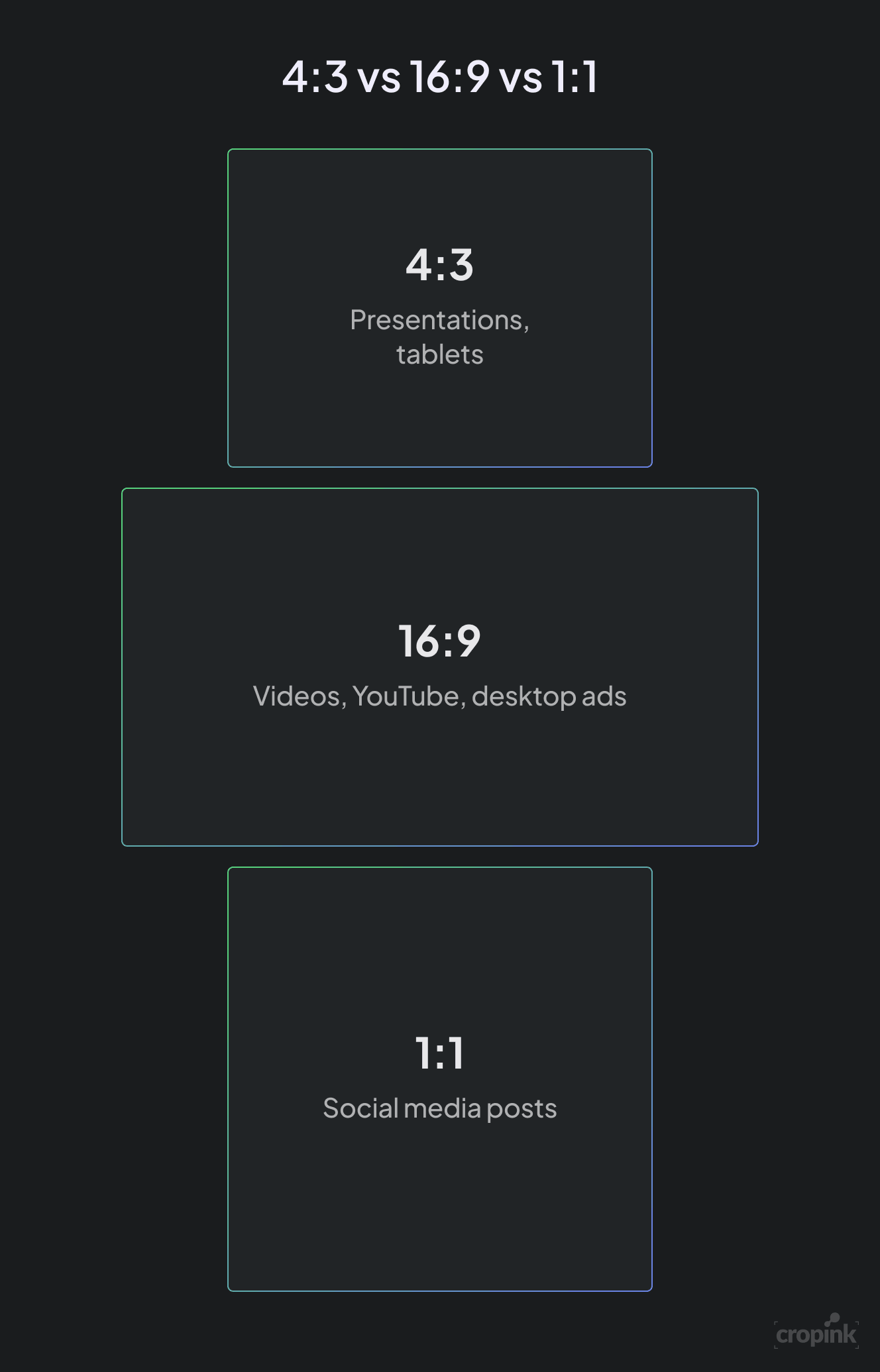
| 4:3 | Almost square | Presentations, tablets |
| 16:9 | Wide | Videos, YouTube, desktop ads |
| 1:1 | Square | Social media posts |
Here is the key idea.
4:3 focuses attention.
16:9 tells a story.
1:1 fits social feeds.
Design tips for 4:3
If you plan to use 4:3, keep these simple tips in mind:
- Keep your subject in the center
- Do not stretch wide images into this format
- Use clear spacing between elements
- Avoid overcrowding
4:3 works best when designs feel clean and structured.
When you should NOT use 4:3
There are situations where 4:3 does not perform well.
Avoid it when:
- You create Instagram or TikTok content
- You design mobile-first ads
- You need full-screen vertical coverage
In these cases, vertical formats like 9:16 perform much better.
How to adapt 4:3 for ads
Sometimes you need to reuse 4:3 creatives in ad campaigns.
This is where many teams struggle.
Manually resizing each creative takes time. It also leads to inconsistent layouts.
Tools like Cropink help you adjust formats quickly. You can adapt 4:3 designs into other sizes without rebuilding everything from scratch.
This becomes important when you run campaigns across multiple platforms.
Platform-wise aspect ratio cheat sheet (4:3)
Not every platform prefers 4:3, but it still fits well in certain use cases. Here is a simple breakdown so you know where to use it and where to avoid it.
| Platform | Supports 4:3? | Where It Works | Recommendation |
|---|---|---|---|
| YouTube | Yes (limited) | Older videos, embedded players | Use 16:9 for new content |
| Yes | Feed posts, some image ads | Works, but 4:5 often performs better | |
| Limited | Cropped in feed | Avoid, use 4:5 or 1:1 | |
| Yes | Document posts, slides | Good for professional content | |
| PowerPoint / Google Slides | Yes | Presentations | Strong use case |
| Tablets (iPad, etc.) | Yes | Apps, reading content | Very effective |
| Display Ads (GDN) | Sometimes | Specific placements | Check specs before using |
Simple rule: Use 4:3 where reading and structure matter. Avoid it where screen coverage and scrolling matter.
Final thoughts
The 4:3 aspect ratio is not outdated. It is simply more focused.
It works best when clarity matters more than cinematic visuals. Presentations, tablets, and structured content still benefit from it.
The key is simple. Do not force it everywhere. Use it where it fits naturally. When you match the format to the platform, your design always performs better.
FAQs
Yes, in many cases. 4:3 keeps content centered and makes text easier to read, especially in classrooms or meetings.
Because it is less wide. It removes side space and brings attention to the center, which makes everything feel closer and more focused.
You can, but it is not the best choice. Platforms like Instagram and Facebook reward taller formats that take up more screen space.
Not really. It depends on context. In presentations and educational content, it still feels natural. In social media, it may feel less optimized.
You need to adjust the layout and spacing. Direct resizing can break the design. It is better to reposition elements based on the new format.
It can work if you want a clean, centered layout. But for ads, taller formats usually perform better because they grab more attention.
Manisha is a Data-Driven Marketing Expert who turns numbers into narratives and ad clicks into conversions. With a passion for performance marketing and a sharp eye for analytics, she helps brands cut through the noise and maximize their impact in the digital space.
Leszek is the Digital Growth Manager at Feedink & Cropink, specializing in organic growth for eCommerce and SaaS companies. His background includes roles at Poland's largest accommodation portal and FT1000 companies, with his work featured in Forbes, Inc., Business Insider, Fast Company, Entrepreneur, BBC, and TechRepublic.
Related Articles


How Can Cropink Help?
Start with Cropink is easy and free
No credit card required