7 Online Ads Makers to Use if You’re on a Budget
We've rounded up 7 ad makers that'll help you create professional ads without dropping hundreds on a designer. Each tool gets a breakdown of features, pricing, user reviews, and who should use it.


Convincing people to buy from you is not easy. Ads can help speed up that process, but only when the copy and design are done right. The problem is that hiring a reliable designer in 2026 can cost you between $50 and $150 per hour.
So, if you’re designing your own ads or looking for an affordable way to create high-performing creatives, you’re in the right place.
In this article, we introduce you to the top 7 online ads makers you can easily start using today.
This list is comprehensive enough to cover your design needs regardless of your industry or the platform you advertise on.
7 BEST online ad creators in 2026
| Tool | G2 rating | Price | Best use case |
|---|---|---|---|
| Cropink | 4.9/5 | $39/month | Ecommerce brands that need automated catalog ads and creative at scale |
| Canva | 4.7/5 | $15/user/month | Teams creating quick static and video ads across many platforms |
| Adobe Express | 4.5/5 | $9.99/month (or $4.99/user/month) | Businesses that want Canva-like ease with higher-quality fonts and stock assets |
| VistaCreate | 4.5/5 | $10/month | Agencies and marketers managing multiple brands with heavy template needs |
| Creatify | 4.8/5 | $19/month | Performance marketers focused on fast AI-generated video ads |
| Kittl | 4.7/5 | $15/user/month | Designers who need vector editing, typography control, and mockups |
| PosterMyWall | 4.8/5 | $9.95/month | Small businesses that want templates plus direct social publishing |
1. Cropink
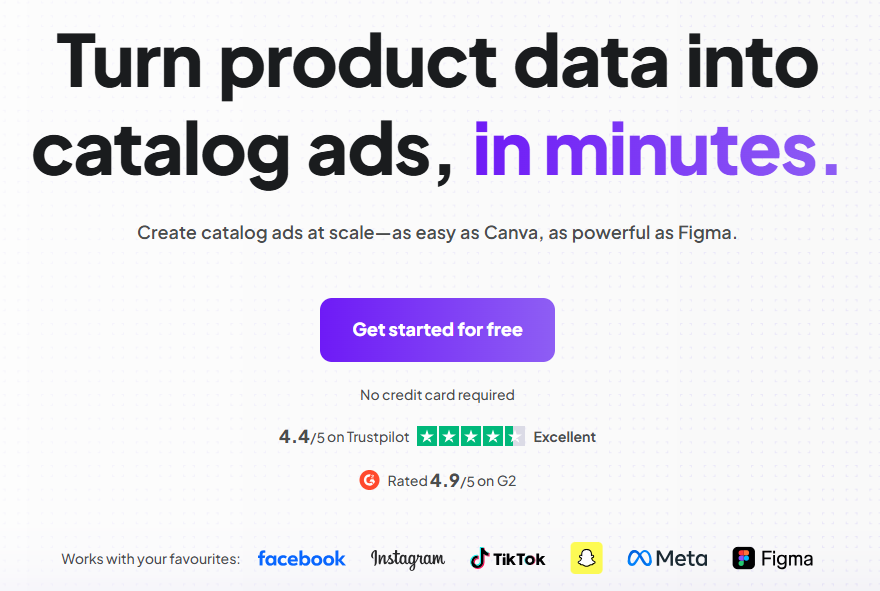
Cropink is a platform for creating catalog ads, and it’s one of the easiest to use in the industry, even if you have no prior design experience.
This online ad maker is best suited for ecommerce businesses, retailers, and any type of business that handles a ton of SKUs and, consequently, many ads.
How does Cropink work?
First, you must have an updated, well-organized product feed that includes all primary product attributes. Next, you’ll need your brand colors and a logo(s) that you’d like to consistently use in your designs.
If those elements are in place, you can start using this online ad maker to create your ads.
Sign up for a free Cropink plan for a start. Then, choose the industry you operate in, upload your logos, and select your brand colors.
Next, pick a template that makes the most sense for your business.
You can now upload your project feed to start creating online ads.
Interestingly, once you have a template and a product feed, Cropink can automatically map your product attributes to the template.
Another thing you’ll appreciate with Cropink is that it supports dynamic updates. For example, if you were to run a flash sale, Cropink can automatically update the discount across all your affected products, as long as your product feed is up to date.
What about when you want a from-scratch design within Cropink?
In that case, you can use the Cropink-Figma integration. This way, you're able to create your catalog ad design from scratch, and then send it directly to Cropink so you can produce ads for your entire catalog.
Best for: Ecommerce brands with large catalogs that need creative automation at scale.
Key features
- Automatically generate catalog ads with on-brand visuals
- Pulls live product data (images, prices, stock, titles) automatically and applies it to creatives
- Apply brand colors, fonts, logo placement, and design rules across all ads.
- Sync product data from a feed so ads always reflect the latest inventory, pricing, and details
- Schedule campaign start/ and end dates, filter products by tags or promo status, and publish dynamic creatives directly to Meta ads
- Works just as well for small catalogs as for large product inventories
- Figma integration for when you require more in-depth customization
- Bulk editing so you can update hundreds of ads with one change
- 100s of templates across multiple industries and advertising needs
- Team collaboration features: share link previews, invite team members to view or create ads, etc
Pricing
- Free plan that supports up to 25 products
- Paid plans start at $39 per month
- No advanced design skills required to get started.
- Fully customizable templates that can work for virtually any brand.
- Easy-to-use interface regardless of graphic design experience.
- Dynamic ads that are updated throughout based on product feed information.
- Some users mention they would like to see more layout and template options for very specific or niche campaigns.
- Doesn’t support product-level video ad creatives yet.
User review
“I really appreciate how simple Cropink is to use. The interface is clean and not overloaded with unnecessary features, so I was able to start creating ads right away. The catalog integration works smoothly, which saves me from manually updating creatives.”
2. Canva
If you’ve been in marketing and advertising for a decent amount of time, you’ve most likely heard of Canva.
It’s a popular online ad maker, and one of its main selling points is that it can create ads for any business type, platform, industry, and in any ad format.
What you’ll appreciate most about Canva is the ease of use and the range of templates it offers. For instance, if you wanted to create an Instagram Reels ad, there would be a ready-made template for that. And the same applies to a TikTok ad, a Facebook static ad, etc.
You can also easily apply your branding since Canva offers the option to upload your brand kit.
Canva is a good option if you want simple, static ads that do not require dynamic updates. It would not be the best option if you needed to create 100+ creatives at once.
If you work as a team, you’ll really love Canva's collaboration features.
You can add team members to a design or project, and edit designs synchronously. Members with access to designs can also leave comments and make editing suggestions.
Best for: Businesses, creators, and marketing teams that need quick, static, and video ads across many platforms, minus complex automation or bulk scaling.
Also check out: 6 Best Canva Alternatives for Fast, Affordable Design.
Key features
- Thousands of templates for almost every ad format and platform
- 4 million plus assets, including graphics, photos, videos, and audio
- Upload brand colors, fonts, and logos once and reuse them across designs.
- Real-time editing with team members
- Ability to publish designs directly to Meta Ads Manager and some social platforms
- Ads can be grouped into projects, folders, and subfolders for easier access and sharing
- Bulk creation of up to around 100 designs using CSV data
- AI features: Magic Grab, Magic Erase, Magic Expand, Magic Edit, Background Remover
- 5GB cloud storage
Pricing
- Free limited plan
- Paid version starts at $15 per person per month
- Supports both static and video ads
- Powerful collaboration and approval workflows
- Easy to learn and use
- Massive template library for nearly every ad format and platform
- Affordable pricing with a generous free plan
- Customer service support is hard to come by
- It gets pretty expensive when your team grows
- Canva AI creation features do not always yield good results
User review
“Canva is a great tool for non-designers who need to create simple, creative materials quickly. I mostly use it to build custom templates that my team can reuse for recurring tasks—things like website banners, email headers, and presentation layouts.”
3. Adobe Express
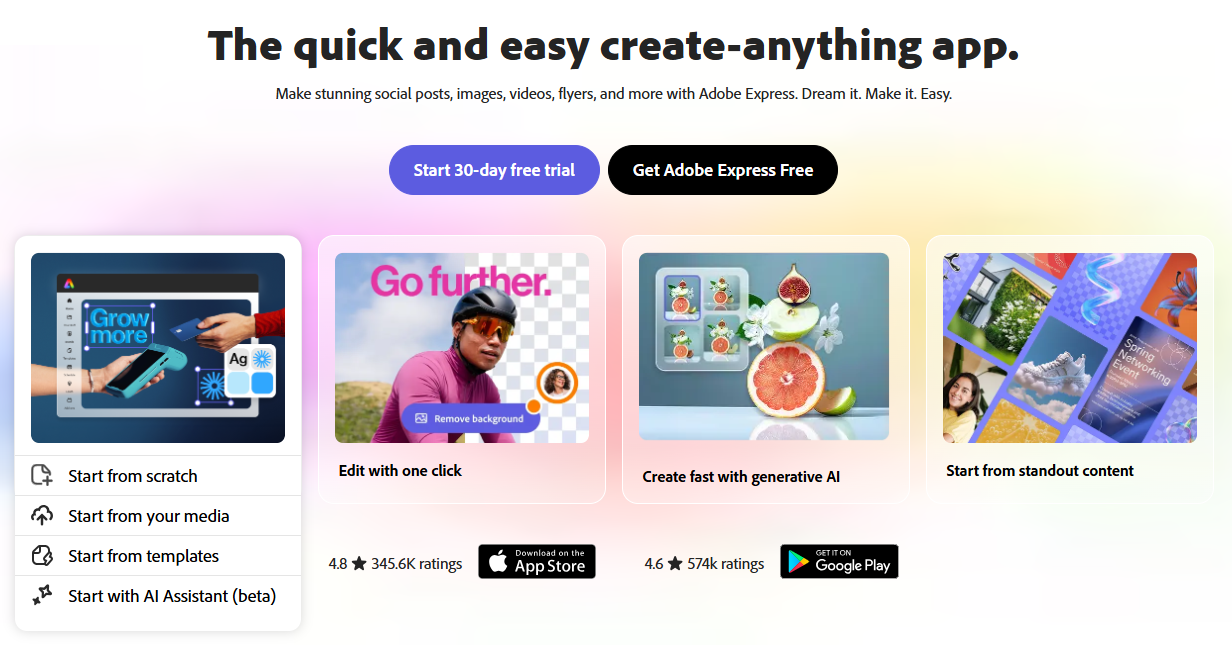
Adobe Express is a lightweight, freemium design tool from Adobe that operates much like Canva.
As such, anything you can do on Canva, you can almost always do on Adobe Express.
But unlike Canva, you’ll have access to Adobe Stock's freemium images and 18,000 licensed fonts from the Adobe Fonts library.
Working with Adobe Express makes it super easy to add effects, filters, textures, and overlays to your photos.
Like most free online ad makers, Adobe Express lets you share templates, assets, and brand identity with your team.
Best for: Businesses and teams that want Canva-like ease with higher-quality fonts, stock assets, and visual polish, especially if they already use Adobe tools and do not need bulk or automated ad creation.
Key features
- Thousands of static and video templates across many design categories
- Brand kits, fonts from Adobe Fonts, and color management
- Easily convert one ad design into multiple formats
- Sync assets, such as logos and images, from other Adobe apps or libraries
- Create images, templates, and text with Adobe’s Firefly AI
- Invite team members to edit, comment, and tag others in ad design projects
Pricing
- Free limited plan available
- Paid plans start at $9.99 per month for individuals and $4.99 per person per month.
- The interface is clean enough that you don’t have to spend hours learning it
- Lots of templates, Adobe stock photos, and fonts to choose from
- Drag and drop editor that doesn’t take much to learn
- Works across web and mobile
- The free plan is pretty limited compared to other online free ads makers
- Limited advanced customization
- Adobe Express lags when switching between designs or working on ads with multiple layers
4. VistaCreate
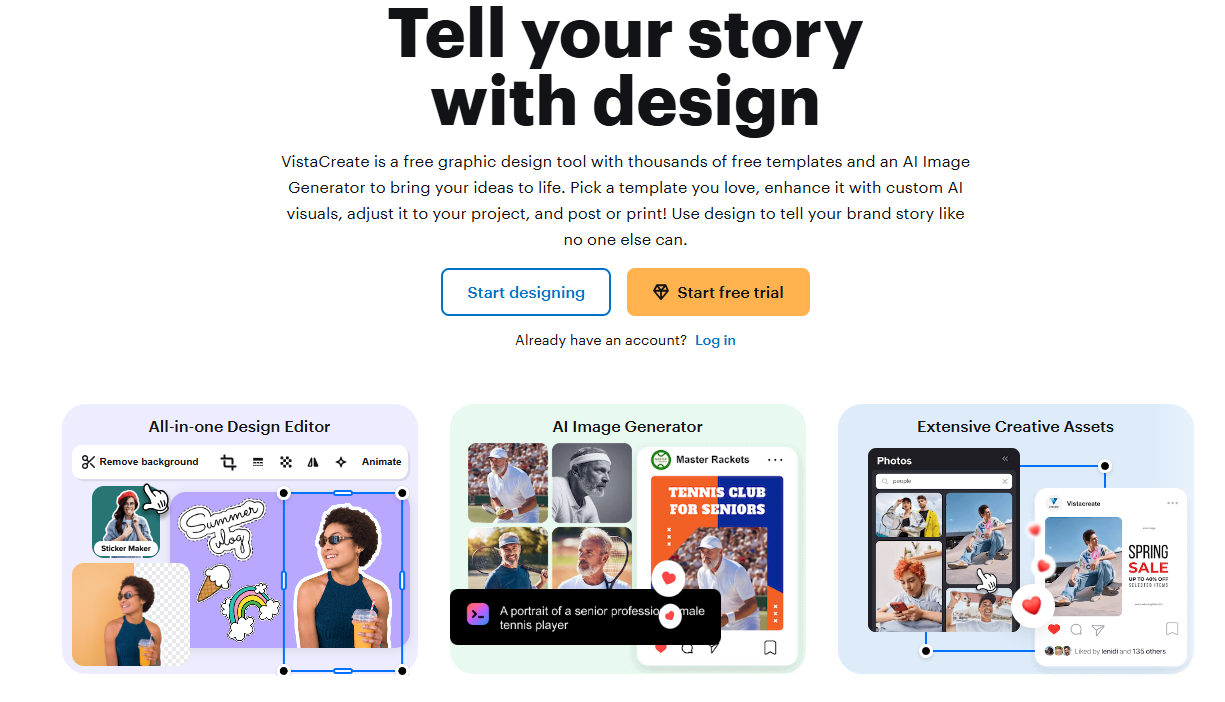
VistaCreate sits somewhere between a full-featured design platform and a beginner-friendly online ad maker.
One of the most advantageous features of this platform is the unlimited brand kits. Most platforms cap you at one or two, but VistaCreate lets you create as many as you need. This is a game-changer if you're managing creative for different brands or running an agency.
The platform also provides access to over 150,000 templates and 70 million royalty-free assets. That includes images, videos, and vectors, so you won't need to hunt for stock content elsewhere. You can create both static and video ads in the same editor, which keeps your workflow simple.
Another feature worth mentioning is the resize tool. With VistaCreate, you can design your ad once and adapt it to different platforms with a single click.
VistaCreate also offers live chat support, which is rare among free online ad makers.
Canva and Adobe Express rely mostly on help centers and community forums, so having direct access to support can save you time when you hit a snag.
You can work on the web or in the mobile app, and the platform keeps a version history of your projects.
Storage is generous, too. You get 10GB for your files and projects.
Best for: Agencies, freelancers, and marketing teams managing multiple brands that need flexible design tools with sufficient customer support.
Key features
- 150,000+ professionally designed templates across multiple digital formats
- 70M+ royalty-free assets
- Infinite Brand Kits to enable you to manage branding for multiple clients or brands
- Static and video ad creation within the same editor
- One-click resize for different platforms and formats
- Web and mobile app access for flexible creation
- 10 GB free storage
Pricing
- Free starter plan
- Paid plans start at $10 per month
- Large template library suitable for most ad formats
- Video ads, in addition to static ads
- Very generous branding features for agencies or multi-brand teams
- Built-in creative assets reduce the need for external stock libraries
- The resize feature saves time when adapting ads for multiple platforms
- Live chat support, which is rare among free ads makers
- Interface is slightly less intuitive than other online ad software for first-time users
- Not built for dynamic or feed-based catalog ads
- Automation capabilities are minimal for high-volume ecommerce campaigns
User review
“My favorite thing about VistaCreate is being able to work on a project on my laptop, desktop, or mobile device. I absolutely love that I can start on one device and finish on another. I also love the variety of templates!”
5. Creatify
Rather than focusing on templates and drag-and-drop editors, Creatify leans heavily on AI to generate video ads.
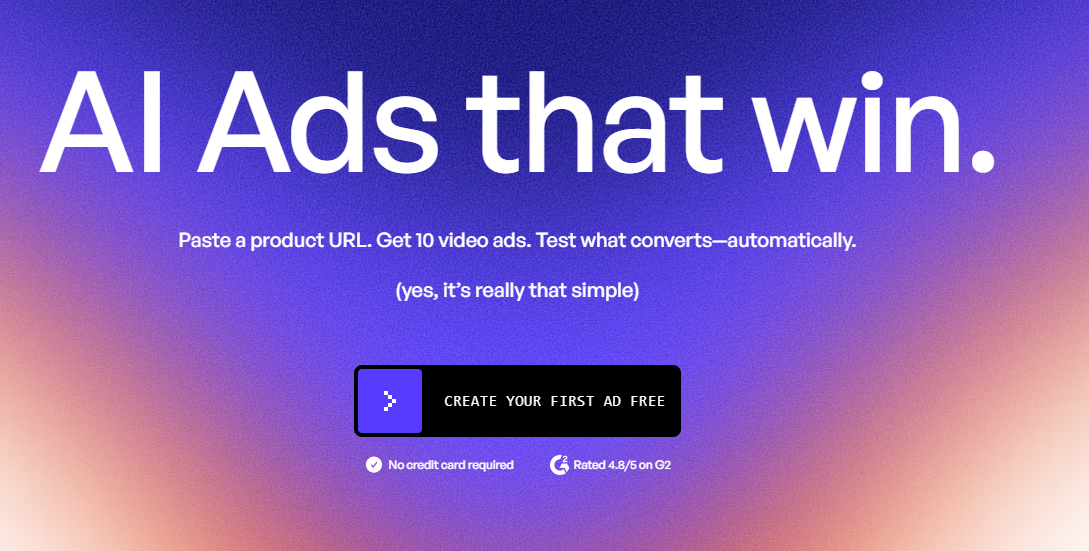
The simplest way to use Creatify is to paste a product URL. Creatify will then analyze the page and automatically generate up to 10 video ad variations. This method can work for Amazon listings, Shopify products, and most ecommerce pages.
You can also create ads from scratch if you prefer more control.
If you choose to upgrade, you get access to Creatify's competitor analysis, A/B testing, and performance tracking. You can see spend, ROAS, and CTR for every creative you launch.
If you run mostly video campaigns on platforms like TikTok, Instagram Reels, or YouTube Shorts, this tool will speed up production significantly.
Best for: Ecommerce brands and performance marketers who need fast video ad creation with built-in testing and analytics, particularly for short-form platforms.
Key features
- AI Video Ads generated from product URLs or prompts
- AI Shorts optimized for short-form platforms
- AI Script Generation for hooks, captions, and CTAs
- Batch creation of multiple ad variations at once
- Direct publishing to ad accounts
- Performance tracking for each creative, including spend, CTR, and ROAS in premium plans
- 200+ templates for performance video ads
Pricing
- Free limited plan
- $19 per month for the Starter plan
- AI automation significantly reduces creative production time
- Easy generation of multiple ad variations for testing
- Built-in performance analytics tied directly to creatives
- Exports in the free version are watermarked
- Free plan limited to up to 20 images and 2 videos
- Users say that AI credits run out pretty quickly
- Users also mention that the interface crashes quite often
User reviews
“I’ve been using Creatify for a few months to scale my Shopify store’s marketing, and it has drastically cut down my production time. Insane Speed: I can paste an Amazon or Shopify link, and the AI generates a full video script and selects the best product images automatically. I’ve gone from idea to a live TikTok ad in under 10 minutes.”
6. Kittl
Kittl is an online graphic design platform for creators, designers, and businesses that need more control over their visuals than standard template editors provide.
The platform features a drag-and-drop interface and offers more customization than most free ad makers. For example, Kittl offers vector editing tools, which are rare among online editors. This means you can manipulate shapes and elements rather than just moving pre-built blocks around.
If you want to create product mockups, Kittl lets you use its AI to apply your products to different mockup environments. It also offers AI image generation and an image reframer for quick adjustments.
Text editing is another area where Kittl excels. You'll have access to advanced typography tools that give you custom lettering and layout control.
With Kittl, you can access over 1 million photos, graphics, and fonts, plus hundreds of customizable templates to work from.
The free plan includes 200 one-time AI tokens, though those run out quickly.
Another limitation worth noting is that the free plan caps you at 5 projects.
Key features
- Drag-and-drop design editor with layer control
- Vector editing tools
- AI mockups that let you place products into different environments
- AI image generation and image reframing
- 200 one-time AI tokens included on the free plan
- 1M+ photos, graphics, and fonts
- Text and typography tools for custom lettering and layout control
- Hundreds of customizable templates
- Can create up to 5 projects on the free plan
Pricing
- Free limited plan
- $15 per month per editor
- Vector editing, which is quite rare among online AI ad generators
- Powerful typography and text customization
- AI mockups are useful for showcasing products in real-world settings
- Generous asset library for a free tier
- Suitable for designers who want more creative control than template-only tools
- Limited to 5 projects in the free plan
- You don’t have commercial rights to your designs in the free plan
- AI credits are one-time and run out quickly
- Not built for bulk ad creation or automation
- No dynamic ad updates or feed-based workflows
- Collaboration features are minimal on the free plan
User review
“What I like most about Kittl is its ease of use combined with high-quality, ready-to-use design templates and assets. Also, it has professionally crafted templates, typography, and illustrations that allow even non-designers to create visually appealing creatives quickly.”
7. PosterMyWall
PosterMyWall is a fully online graphic design platform. You can create a wide variety of design assets on it, ads included.
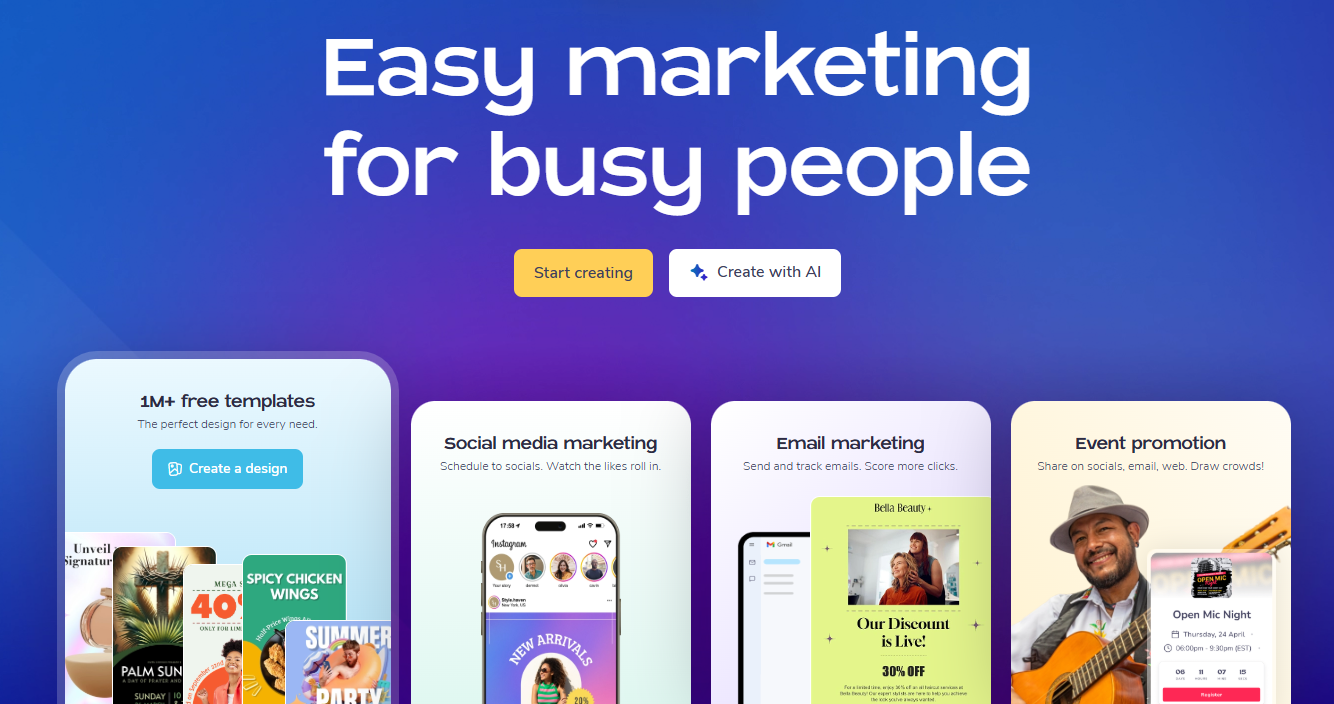
One thing you'll really appreciate about this tool is the 21,000+ free ad templates you can work with. They have templates for static ads, video ads, etc.
Like most of the online free ads makers we've already covered, PosterMyWall also comes with a brand kit to ensure brand consistency across all your ads. You won't need to leave the app to acquire assets, as PosterMyWall offers millions of stock images, videos, and audio options.
We also like how you can create ads in one format and, with a single click, customize them for multiple other formats.
Finally, you'll love that with PosterMyWall, you can automatically publish your ads directly to Facebook, Instagram, and LinkedIn.
Best for: Small businesses and marketers who need quick access to a large template library and want to publish directly to social platforms without leaving the design tool.
Key features
- 21,000+ free ad templates for static and video ads
- Drag-and-drop editor
- Brand kit for consistent branding across ads
- Millions of stock images, videos, and audio options
- One-click resize for multiple formats
- Direct publishing to Facebook, Instagram, and LinkedIn
- AI tools to help with ad designs and ad copy
- Multi-page layouts
- Real-time collaboration and feedback features
Pricing
- Free plan
- Paid plans start at $ 9.95 / month
- Drag and drop interface makes it easy to use
- Wide variety of templates that will most likely fit your design needs
- Quite affordable
- Direct social media publishing will save you time
- You’ll need to pay for high-quality downloads with no watermark
- You can’t upload your own fonts on the free plan
- Limited to just one brand kit
Tips to choose the best online free ads makers
If your main goal right now is to access a free ads maker, any of these tools fits the bill. However, if you want to be efficient in your ad-making, you’ll need to consider a few more factors.
1. Which feature are you most interested in?
If you need bulk creation for hundreds of products, go with Cropink, but if you're running video ads on TikTok, Creatify makes more sense. If vector editing and typography control are your biggest needs, Kittl is your best bet.
2. How many members will you have on your team?
Some tools offer a generous free plan, while others require you to pay per month per seat. Canva, for instance, charges per user, so costs add up quickly as your team grows. VistaCreate and Adobe Express have more flexible pricing models. If you're working solo or with a small team, this won't be a huge concern. But if you're managing an agency or a larger marketing department, the per-seat cost can become a significant line item in your budget.
3. How much design control do you require?
Template-based tools like Canva and PosterMyWall are great if you want to move fast and don't need pixel-perfect customization. But if you're particular about typography, layout precision, or vector editing, you'll want something like Kittl or Adobe Express that gives you more control over individual elements.
Also consider how much automation you need. Tools like Cropink and Creatify handle repetitive tasks for you, while others require more manual input for each ad.
Summary and recommendation
If you still need help choosing the best online ads maker, here’s what we would recommend.
- Canva and Adobe Express: Best for teams that need quick, versatile designs across multiple platforms.
- VistaCreate and PosterMyWall: Best for marketers who need large template libraries with direct ad publishing.
- Creatify: Best for speeding up video ad production.
- Kittl: Best for designers who need a lot of creative control.
If you're running an ecommerce business with a product catalog, most of these tools will slow you down. You'll end up building ads one by one, manually updating prices, and recreating the same design for different products.
We created Cropink to fix this problem.
You upload your product feed once, pick a template, and Cropink automatically creates ads for your entire catalog. When prices or products change in your feed, all your ads update automatically without you having to edit them each time.
Cropink’s free plan supports up to 25 products, and you don’t even need a credit card to sign up.
Once you sign up, you can start creating ads in just a couple of minutes.
FAQs
How to create online ads for free?
Sign up for any free ad maker like Canva, Adobe Express, or Cropink. Then, upload your brand assets, choose a template, customize it with your product details or messaging, and export the final design for publishing.
Is there a free AI ad generator?
Yes, platforms such as Creatify and Kittl offer free plans with AI features for generating video ads, mockups, and images. However, most free plans limit the number of credits or exports, so you may need to upgrade for full access.
Which is the best free online ad maker for ecommerce stores?
Cropink is the best option for ecommerce because it connects directly to your product feed and automates ad creation at scale. Unlike other tools that require manual design for each product, Cropink updates pricing, images, and product details automatically across all your ads.
Which free app is best for making advertisements?
It depends on what you need. Canva is great for general-purpose ads across platforms, Creatify excels at AI-generated video ads, and Cropink is ideal for ecommerce catalog ads.
Sources
Damaris is a Digital Marketing Specialist who writes about digital marketing and performance marketing. At Cropink, she creates data-driven content to help businesses run better ad campaigns for better performance and ROI.
Leszek is the Digital Growth Manager at Feedink & Cropink, specializing in organic growth for eCommerce and SaaS companies. His background includes roles at Poland's largest accommodation portal and FT1000 companies, with his work featured in Forbes, Inc., Business Insider, Fast Company, Entrepreneur, BBC, and TechRepublic.
Related Articles


How Can Cropink Help?
Start with Cropink is easy and free
No credit card required